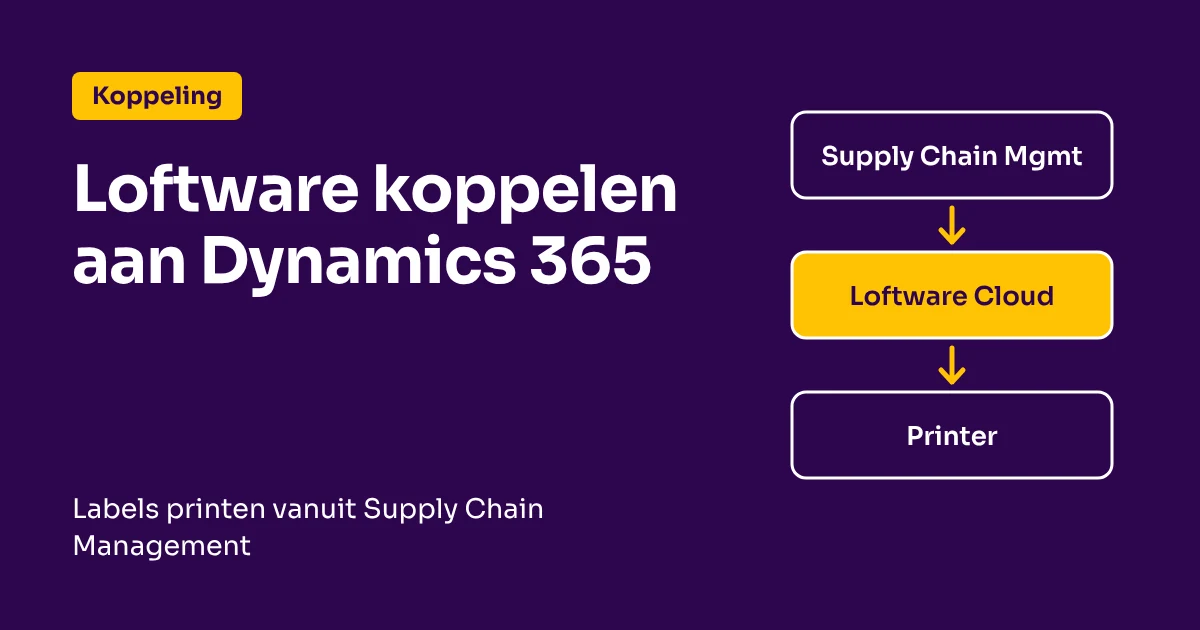
Do you work with Microsoft Dynamics 365 Supply Chain Management and want to print labels without custom work in the ERP? Supply Chain Management can have labels printed by an external service, and Loftware Cloud is one of the documented solutions for this. The label designs are then in Loftware and the data comes from Dynamics.
What does the connection deliver?
- No retyping: the data comes directly from Supply Chain Management.
- Central label management: the designs are in one place, in the Loftware Cloud Control Center.
- Cloud printers and local printers: you print to printers connected directly to the cloud or to printers in your own network.
Which route fits your printers?
Microsoft describes two routes:
| Cloud Print API | Cloud Trigger API | |
|---|---|---|
| Who creates the label? | Loftware Cloud | Loftware Automation on your own network |
| Local software | None with cloud printers; otherwise a print gateway on a workstation | Automation Service and a Windows printer driver per printer |
| Printer names | You also specify the workstation; if it is not available, the label is not printed | The names as set on the Automation servers |
| Availability | Smaller installation | Multiple Automation installations for load balancing and high availability |
Microsoft names the Cloud Print API with supported printers as the preferred route if you do not want local software, and otherwise the Cloud Trigger API. The steps are in Microsoft's documentation.
What do you need?
- Supply Chain Management version 10.0.34 or later.
- A Loftware Cloud environment and a subscription in the Loftware Developer Portal, linked to that environment.
- With the Cloud Trigger API: Loftware Automation on your own network, with the printers set up on it.
- Label layouts in Supply Chain Management that refer to the label files in the Control Center.
Do you work with Business Central or NAV?
That is a different route. See the page connecting Loftware to Business Central, also for Dynamics NAV and Navision. Other systems are on the page connecting label software to your ERP.
Frequently asked questions about Loftware and Dynamics 365
Can Dynamics 365 Supply Chain Management print labels through Loftware?
Yes. Supply Chain Management can print labels through an external service. Microsoft describes the setup with Loftware Cloud in its own documentation.
Do I need to install software?
That depends on the route. With the Cloud Print API and supported cloud printers, you do not. With the Cloud Trigger API, you install Loftware Automation and a Windows printer driver per printer.
Which version of Supply Chain Management do I need?
According to Microsoft, version 10.0.34 or later.
Can I also print existing ZPL labels?
With the Cloud Print API, you can print variable labels and also send ZPL, such as an existing label or a carrier's shipping label.
Would you like to know which route fits your environment?
Book a free demo or request the free Labeling Compliance Scan.
 Vrieswijk 27
 +31 72 533 2998

 Chamber of Commerce 86756850

 Loftware Cloud Solutions Expert