A label is only reliable if the data at the source is correct. Giesbus connects Loftware NiceLabel and Loftware Cloud to your ERP, WMS or MES system. Labels are then filled automatically with current order, product or batch data, without retyping.
For some systems, a standard connector exists from Loftware, Microsoft or a partner. We connect other systems through their API, or through files or the database. Below you can see which route is available for each system.
Connections per system
Standard connector
SAP ECC and S/4HANA
Four integration methods: GLM+, BTP and Public Cloud, ABAP and BC-XOM. The right choice depends on your SAP version and cloud strategy.
Standard connector
Oracle EBS and Oracle Cloud
Oracle EBS Integration for E-Business Suite, and an adapter for Oracle Integration Cloud (OIC) for Oracle Cloud SCM.
Standard connector
Dynamics 365 Supply Chain Management
Microsoft has built a connector for Loftware into Dynamics 365 SCM. In it, you choose the Cloud Print API or the Cloud Trigger API.
Through API or database
Business Central and Dynamics NAV
We connect Business Central through the API. Older NAV and Navision environments use a direct database connection or a PowerForms print screen.
→ Connecting Loftware to Business Central
→ Case Edex Food: Business Central
Partner connector or API
Oracle NetSuite
Partner Blend ERP supplies a SuiteApp for Loftware Cloud. A connection through the NetSuite API is also possible.
Through API
Odoo
Odoo sends order and item data through the API to Loftware, which fills and prints the label.
API, file or database
WMS, MES and your own systems
Warehouse and production systems, shipping software or your own database: if the system has an API, writes files or uses a database, Loftware can print labels with it.
Which route fits your situation?
| Your situation | Route | What is needed |
|---|---|---|
| SAP ECC or S/4HANA | Standard connector: GLM+, BTP, ABAP or BC-XOM | Loftware Cloud or NiceLabel LMS; your SAP BASIS administrator or Loftware installs the SAP side |
| Oracle E-Business Suite or Oracle Cloud SCM | Oracle EBS Integration or OIC adapter | Loftware Cloud or NiceLabel LMS, with Loftware Automation |
| Dynamics 365 Supply Chain Management | Microsoft's connector, with Cloud Print API or Cloud Trigger | Loftware Cloud and a registration in the Loftware Developer Portal |
| Cloud ERP with an API, such as Odoo, Business Central or NetSuite | Connection through the API to the Cloud Print API or a Cloud Trigger | Loftware Cloud Business or higher and the ERP's API documentation |
| ERP or database in your own network, such as Dynamics NAV or SQL Server | Database or file trigger, or a PowerForms print screen | NiceLabel Automation, PowerForms Suite or LMS, or Loftware Cloud with Automation |
Not sure which route fits your ERP? → Book a free demo
How does a connection work technically?
Every connection is built from one or more of these four building blocks.
Cloud Print API
Your business system sends a print job directly to Loftware Cloud: which label, which printer and which data. This fits if the ERP itself can determine the right template and the right printer.
Cloud Trigger through Loftware Automation
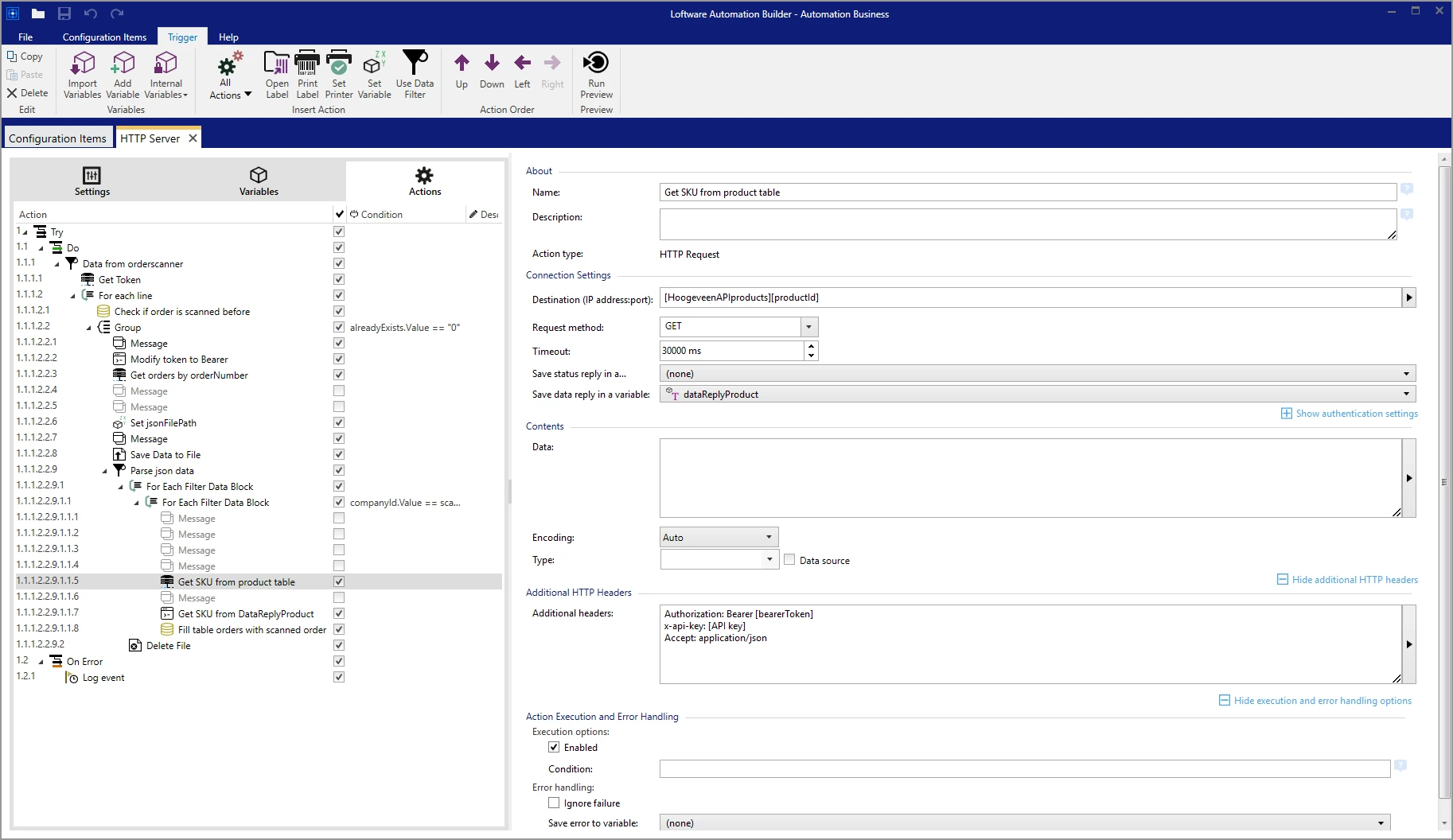
Loftware Automation runs on a server in your network and registers its triggers with Loftware Cloud. Your business system sends its data as JSON or XML to the Cloud Trigger API. Loftware Cloud forwards it to Automation, which processes the data, chooses the right template and prints. The standard packages for SAP BTP, Oracle EBS and Oracle Integration Cloud also run on this technology.
File and database triggers
The ERP writes a file (XML, CSV or JSON) or puts a record in a database. Automation sees the new data and prints the label. This is the classic on-premise method and works well with older systems.
PowerForms and web printing
An employee selects the order or item in a print screen; the form retrieves the data from the ERP database. This fits manual print moments, such as the start of a production run or repacking a batch. Read more about custom PowerForms and label automation.
Our approach
- Analysis: which labels, at which moments, with which data and from which system.
- Data mapping: which ERP field goes to which label field, and which connection route fits best.
- Templates: label design in Loftware, connected to the right data.
- Testing: with real orders and batches, preferably in a test environment.
- Go-live: together with your ERP and IT administrators.
- Aftercare: support and adjustments when your ERP or labels change.
Read more about how we work on the consulting and implementation page.
Would you first like to know where your current labeling process is at risk? → Request the free Labeling Compliance Scan
In practice
Dynamics 365 Business Central: automatic pallet labels with GS1-compliant SSCC codes.
Oracle and Blend: central labeling for distribution to more than 90 countries.
NetSuite and Transsmart: error-free international shipping labels.
Odoo: real-time connection for ingredient and allergen labels.
On-premise or cloud?
Connections work with both Loftware NiceLabel on-premise and Loftware Cloud:
- On-premise: fits if your ERP runs in your own network or if strict security requirements apply.
- Cloud: fits a cloud ERP and multiple sites or external partners.
Why Giesbus for your ERP connection?
- More than 50 organizations supported
- Loftware Cloud Solutions Expert (LCSE)
- Direct contact with the architect, with no layers in between
- Advice on the right route before you buy licenses
- Experience in manufacturing, food, pharma, logistics and chemicals
Frequently asked questions about ERP connections
Which Loftware edition do I need for an ERP connection?
That depends on the route. The standard connectors and the APIs (Cloud Print API and Cloud Trigger) generally require Loftware Cloud Business or higher. A label that gets its data from a database or spreadsheet can also work with a lighter edition. On-premise, you work with NiceLabel Automation, PowerForms Suite or LMS. We advise which edition fits before you buy licenses.
What is the difference between the Cloud Print API and a Cloud Trigger?
With the Cloud Print API, the ERP itself determines which label, which printer and which data are used. With a Cloud Trigger, the ERP only sends its own data; Loftware Automation processes it, chooses the template and prints. A Cloud Trigger is more flexible if the data needs to be edited or checked first.
Can I print from a cloud ERP to printers in my own network?
Yes. With a Cloud Trigger, Loftware Automation runs in your own network and receives the print jobs through Loftware Cloud. This lets a cloud ERP print labels on local printers, without you having to open firewall ports for the ERP.
Does custom work need to be built in our ERP?
With a standard connector, it is mainly a matter of installation and configuration by your ERP administrator. With a connection through the API, the ERP must send a message to Loftware, often through an existing webhook, export or integration function. Giesbus builds the Loftware side and coordinates the ERP side with your ERP partner.
Our ERP is not listed here. Is it still possible?
Yes, as long as the system has an API, can write files or uses a database that Loftware can read. Based on your ERP's API documentation, we determine the best route.
Would you like to connect your label software to your ERP system? We look at your situation and advise which route fits, with no obligation.
 Vrieswijk 27
 +31 72 533 2998

 Chamber of Commerce 86756850
 Loftware Cloud Solutions Expert