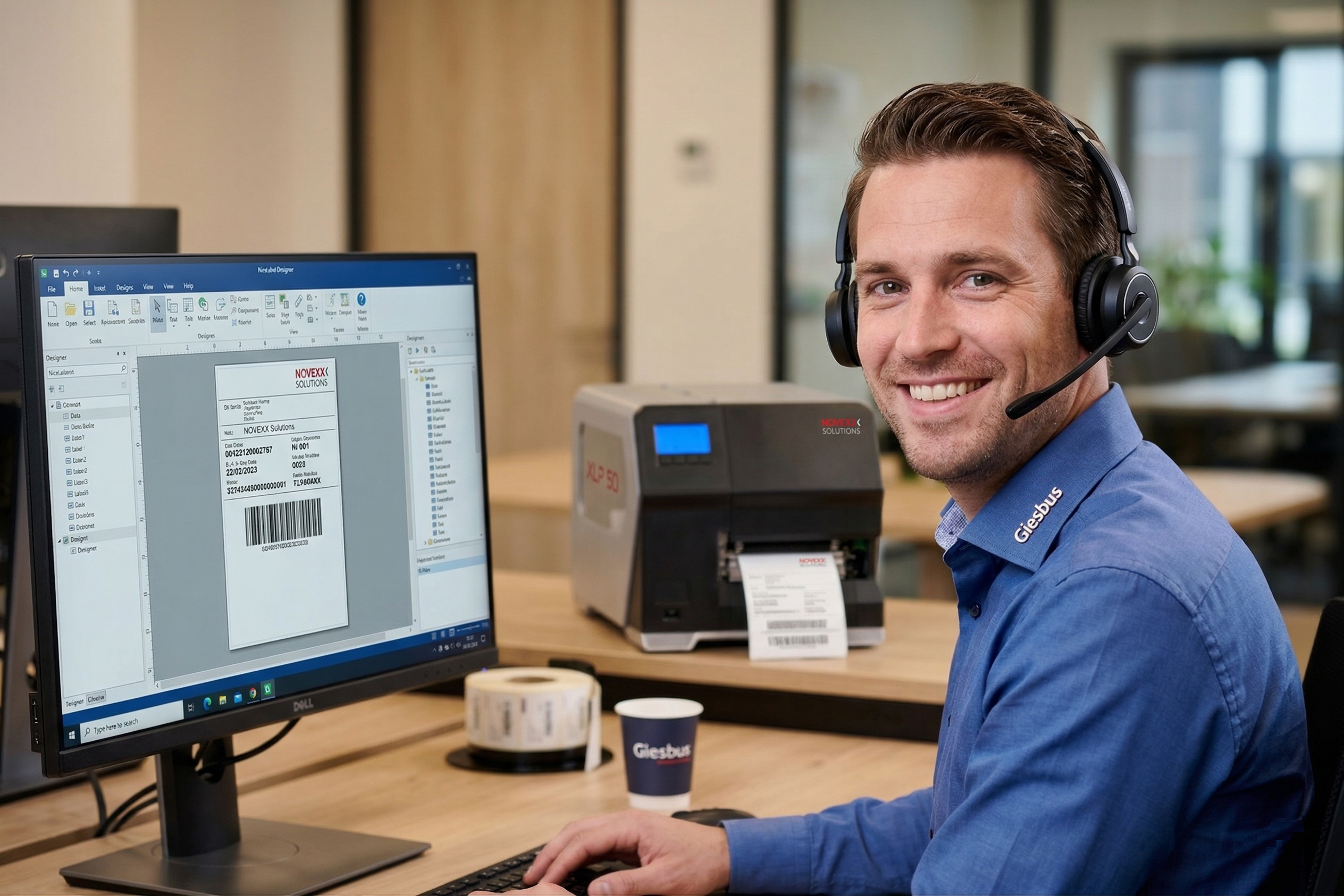
Looking for reliable NiceLabel support? You have come to the right place at Giesbus. As an official Loftware partner, we know the software inside out. Whether it is a license issue, a database connection that does not work or setting up an automated print process: we solve it.
What we do for you
Our support service is more than help with problems. We actively think along with you about how to make your print environment smarter and more stable.
License activation and management
A license problem most often arises after a migration to a new PC or a reinstallation of Windows. The software must first be correctly deactivated on the old system before the license code works on the new PC. If this step is skipped, the license is blocked, even if you are still entitled to use it.
Database connections and Excel issues
Connecting a database to your label templates is powerful, but it requires the right setup. Excel files in particular regularly cause problems: incorrect column names, empty rows, wrong date formats or files locked by another user. NiceLabel is sensitive to this, and small errors in your file quickly lead to wrong or empty labels.
We help you set up your Excel or SQL connection correctly, find errors in existing connections and build a stable data structure that prevents future problems.
Automation and integration
With NiceLabel Automation you can fully automate your print process from your ERP or WMS system. We help you build the workflows, so data ends up on the right label automatically and without errors.
Cloud and migration
Are you considering the move to Loftware Cloud Business? We guide you through the migration, the setup and the management of your cloud environment.
Frequently asked questions
My license code does not work after a new PC or reinstallation. What now?
The license was probably not deactivated on the old system.
My Excel connection gives errors or empty fields on the label. How do I solve this?
This is often caused by empty rows at the top of the file, different column names or a wrong date format. Also check that the file is not locked by another user. Still getting errors? We are happy to take a look with you.
What is the difference between local software and the cloud?
With local software, you manage everything yourself. With Loftware Cloud Business, you work online, always up to date and secure. Giesbus helps you choose and set it up.
 Vrieswijk 27
 +31 72 533 2998

 Chamber of Commerce 86756850
 Loftware Cloud Solutions Expert